June 1, 2026
As you heard at Clergy Conference, we’re happy to announce that ECCT’s Clergy Directory officially launches this week!
ECCT’s Clergy Directory is an online, password-protected webpage which will allow every canonically-resident or licensed clergyperson in ECCT to update their information online as well as decide how much of their information is shared with other clergy. We have worked to make the Clergy Directory as secure as possible by including verified emails/username and passwords to enter the site.
You will receive an email in the next 24–48 hours from ecctcommunications@episcopalct.org with the subject line, “ECCT Clergy Page: Registration Approved.” This email will instruct you on setting up your password for the first time and logging in. Rest assured, this email is safe, and you may feel confident clicking the link included to setup your password on ECCT’s website.
UPDATING YOUR PROFILE
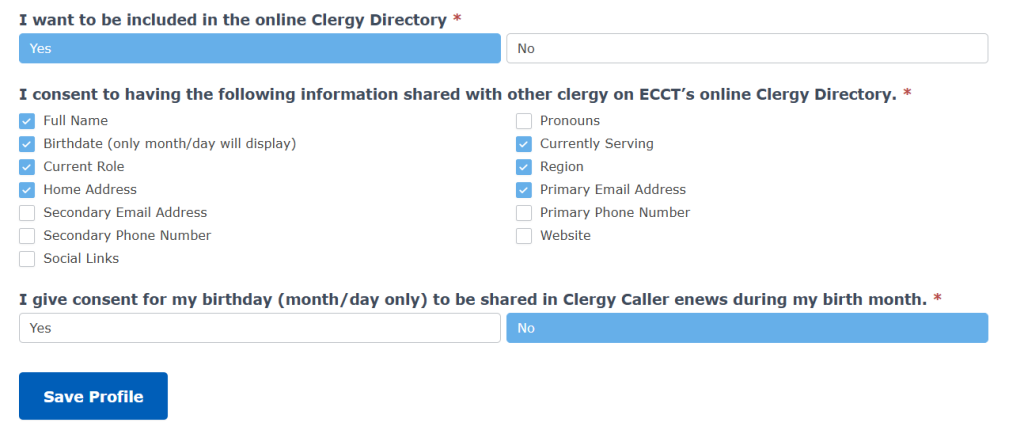
When you login for the first time you will notice that your profile has been set to share only your name and, if you are currently settled in a parish or worshipping community, the name of that community and your role in it. All other information, including your address, phone number, email, etc., is included and accurate to the best of our knowledge, but not yet shared. In order to share this additional information, check the appropriate boxes under “I consent to having the following information shared with other clergy on ECCT’s online Clergy Directory.” as pictured below.
VIEWING THE CLERGY DIRECTORY
Once you have submitted any updates to your profile, you will arrive at the “Member Info” page. We will be updating this page regularly to share information and links with clergy across ECCT to help you stay informed and connected.
To access the Clergy Directory, click the box labled “Clergy Directory.” You will be taken directly to the listing page. From here you can search for colleagues utilizing the search bar or by clicking on a letter of the alphabet at the top. You can also scroll through the directory, it will automatically update as you scroll.
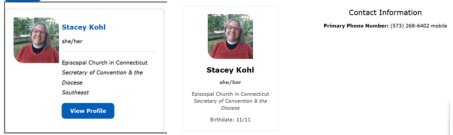
To see more information about a colleaque, simply click on the “View Profile” button in any clergyperson’s info window.
LOGGING INTO CLERGY PAGES
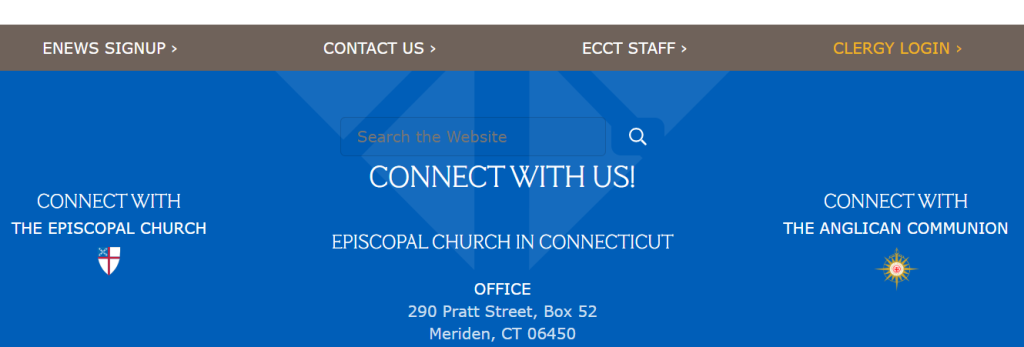
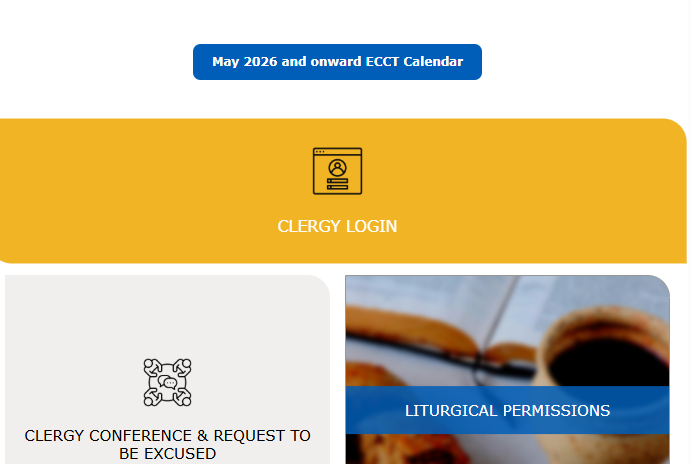
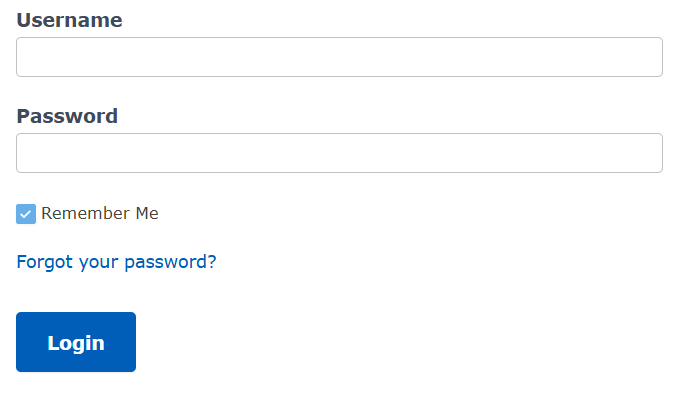
Once you have created your password and updated your profile for the first time, you can now login to ECCT’s Clergy Pages directly from the link in the footer of ECCT’s website labled “Clergy Login” or by visiting the Clergy Resources page and clicking on the “Clergy Login” button.
If you forget your password, simply click the “Forgot your password?” link on the login page to reset it.
If you have any other questions or concerns about the Clergy Directory, or need assistance setting up your account, please contact The Commons at 203-639-3501 or via email at ecctcommunications@episcopalct.org.